How to Connect a Discord Bot to OpenClaw (Without Losing Your Mind)
Editors note: This article was written with generative AI assistance. These posts are based on real world scenarios and experience. I only post information that I've personally validated.
It should be simple: create bot, get token, plug it in. Mostly it is — but Discord’s dev portal has a few landmines.
1. Create the Bot
discord.com/developers/applications → New Application → Bot → Add Bot → copy the token.
2. Enable Message Content Intent (Do This First)
Still in the Bot section, scroll to Privileged Gateway Intents. Turn on Message Content Intent.
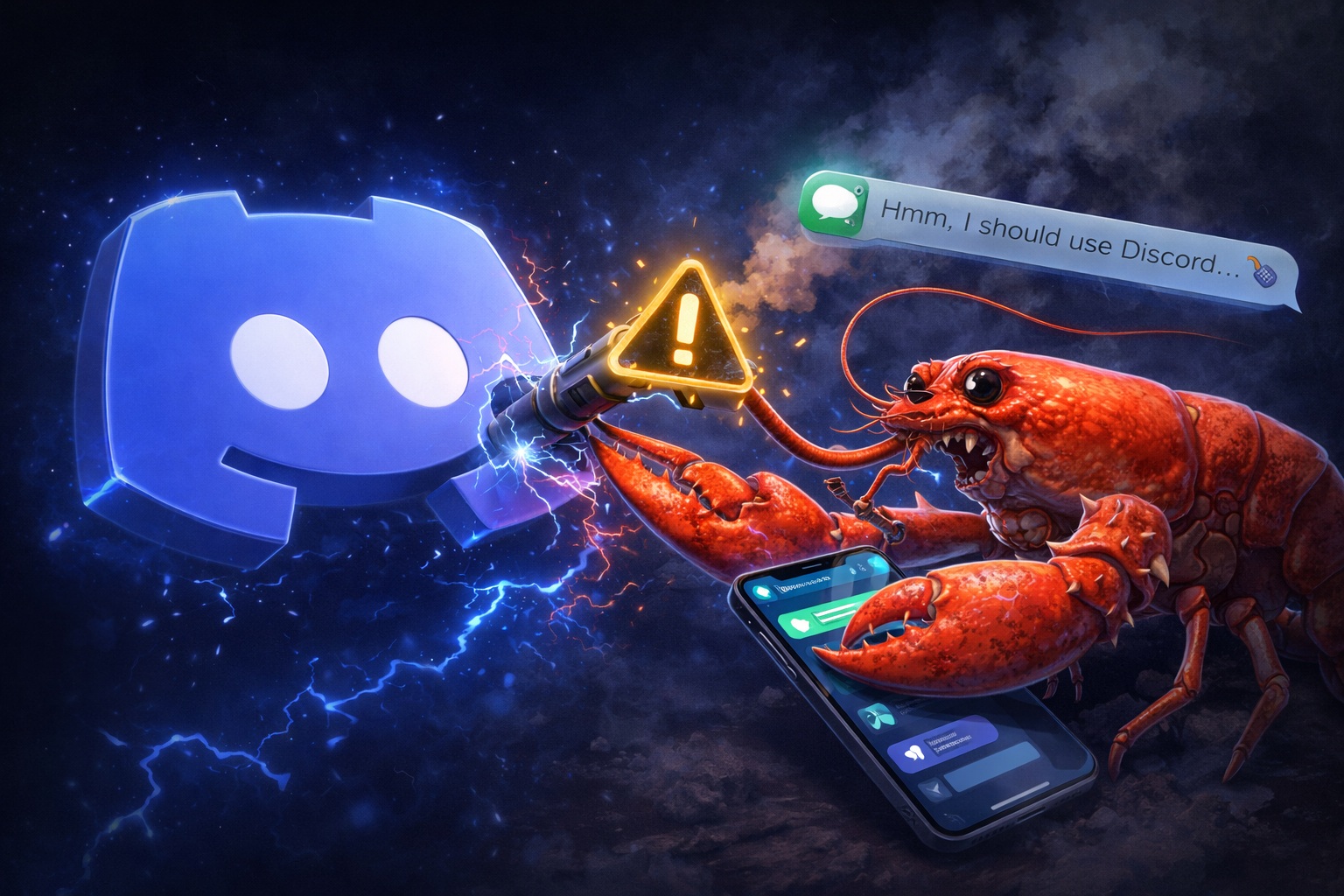
If you skip this, Discord returns error 4014 on connect. Your bot crashes. But here’s the fun part — if your gateway doesn’t handle this gracefully, it takes down everything. iMessage, WhatsApp, all channels. Dead. Crash-looping on every restart because config hasn’t changed.
One unchecked toggle → full production outage. Classic.
3. Generate the Invite URL
Go to OAuth2 → URL Generator (not the General page — that one shows a useless “Private application cannot have a default authorization link” error and a phantom “unsaved changes” banner).
Scopes: bot + applications.commands. Not activities.read.
Permissions: Send Messages, Read Message History, View Channels, Embed Links, Add Reactions at minimum.
Copy the generated URL, open it, authorize for your server.
4. Configure OpenClaw
Add the token and enable Discord in your gateway config:
openclaw config set channels.discord.token '"YOUR_TOKEN"' --json
openclaw config set channels.discord.enabled true --json
openclaw gateway restart
Approve the pairing when prompted, and you’re live.
Silent Failure Modes
- Bot in server but can’t see your channel — Discord’s permission system is a fractal. Check channel-level overrides.
- Connects but never receives messages — Message Content Intent again, but some libraries silently drop instead of crashing.
- Gateway starts, Discord shows disconnected — Token was regenerated in the portal but not updated in config.
TL;DR
Enable Message Content Intent before anything else. Use OAuth2 → URL Generator, not the General page. Takes 10 minutes if nothing goes wrong, and an afternoon if you miss that one toggle.
Comments
No comments yet. Start the conversation!